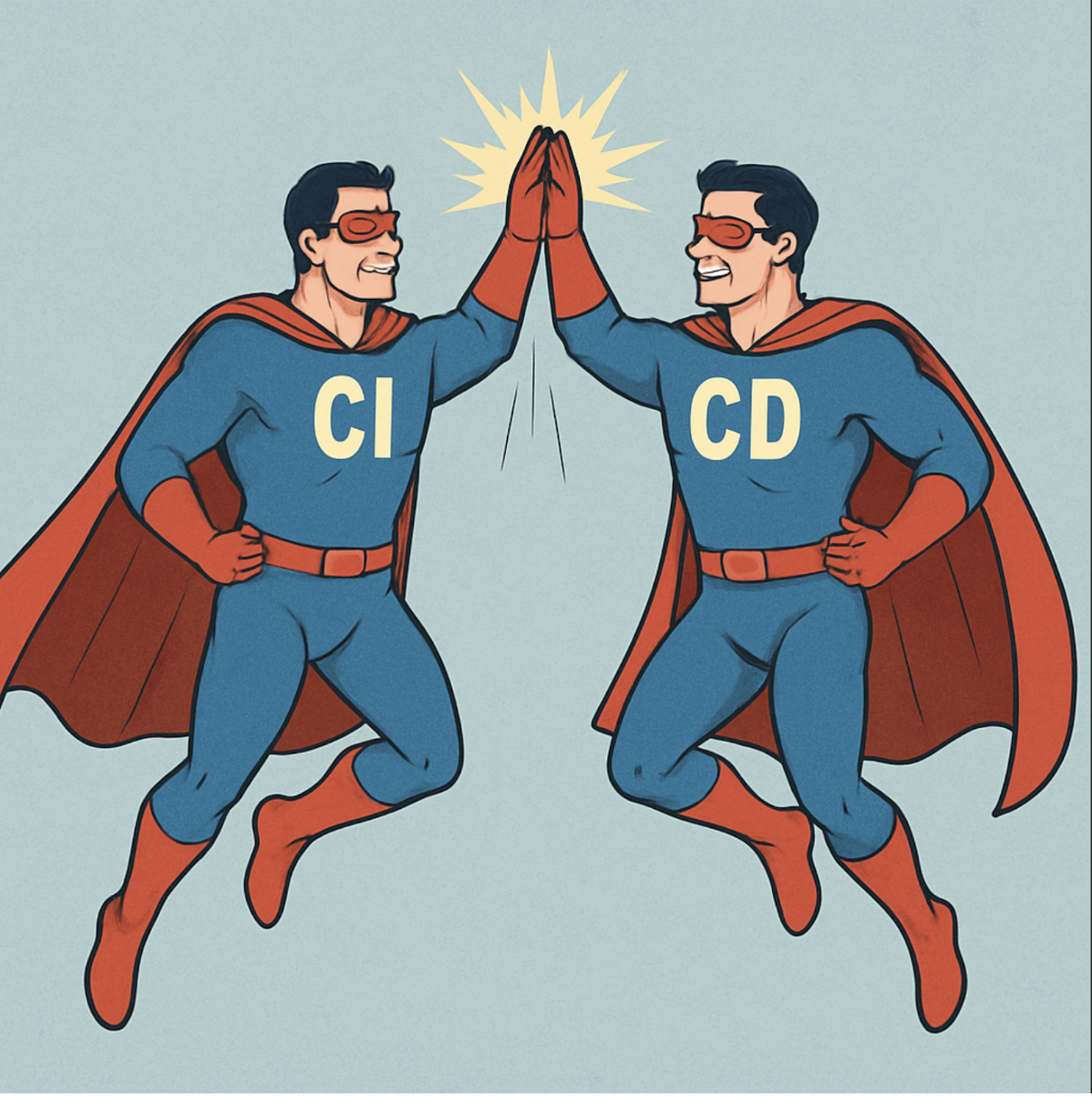
The day with CI/CD
The word without CI/CD


We’re all familiar with the relationship between cost and quality—typically, when quality increases, so does the cost. This makes sense in most situations. However, in software development, it works differently. In this field, when the quality of the code decreases, the cost actually increases. The reason for this is that when the code quality is low, the productivity of the development team also drops. As a result, the cost goes up.
Think of software development like a journey from Point A to Point B. Poor code quality is like having shackles on your legs. As the quality of your code drops, those shackles get heavier. This means that each step requires more effort. Eventually, you can’t run anymore, and you’re forced to walk. In some cases, walking becomes increasingly difficult, and each step takes even more time.


Now, imagine we take care of our code quality, so the shackles are gone. We can run freely without any issues. But what happens if we don’t take the time to check if we’re on the right path? If we start running down the wrong path, we might keep running for a while before realizing we’re not getting closer to our goal. In fact, we may be moving farther away from it. At that point, we’ll need to turn around and retrace our steps to get back on the right path before we can start making progress toward the goal again.


Neither of the first two approaches works very well, right? Let’s imagine a new scenario: we take care of the code quality, and every few steps we check our map and compass to make sure we’re still on the right path. I didn’t mention this earlier, but sometimes the goal changes, so these checks become really important. You might think this approach isn’t the fastest—it may not get us to the goal as quickly as possible. However, in software development, you spend a lot of time dealing with messy code (the shackles) or implementing things that don’t add value to the user (running down the wrong path). It’s easy to fall into either of these traps. So, this final approach, where we ensure we’re not wasting time, actually ends up being the faster way to reach the goal.
What is CI/CD
CI/CD, or Continuous Integration and Continuous Deployment/Delivery, is a practice that helps keep us free from shackles—or at least keeps them very small—and ensures we stay on the right path.
The goal of software development is to build software that adds value to the user. Of course, it also needs to be user-friendly and enjoyable to use. The aim is to reach that goal as quickly as possible. However, as I mentioned earlier, the goal can shift because, to be honest, neither the user nor anyone else really knows exactly where the goal is. This is why we need to regularly check our “map” and “compass.” That’s where CI/CD becomes incredibly useful.
In software development, our “map” and “compass” are represented by the user feedback loop. The shorter this loop, the faster we get feedback, and the quicker we can confirm that we’re on the right path and figure out what our next step should be.
So, CI/CD is all about making that user feedback loop as short as possible. To do this, we need to release changes to the final user more frequently, gather their feedback, and monitor the results. This approach helps us better understand which changes provide real value to the user and which ones don’t. Because we’re releasing fewer changes at a time, it’s also easier to pinpoint which specific change might be causing issues if something goes wrong.
However, releasing more frequently means we need to make our release process quick and efficient. If our release process takes days and is bogged down by bureaucracy, we’ll end up waiting longer between releases to keep the cost of bureaucracy low. This leads to larger releases with more changes, which makes the feedback loop longer. We’ll wait more for feedback, and because the user gets more changes at once, it’s harder to determine which changes are valuable or which one is causing problems. It becomes more time-consuming to figure out exactly what needs fixing.
But releasing isn’t just about putting a new version in front of the user. It’s about validating that the new version works, ensuring the changes don’t lower code quality, and making sure the process is as fast and efficient as possible.
What is the Pipeline?
The pipeline is a series of steps we follow to validate our changes, build, and deploy our app. It should be automated to ensure it’s fast and free from human error. Additionally, it should start running automatically as soon as a new commit is made.

It all starts with the commit, but remember, we want to move in small steps, so each commit should be small and include only a few changes. After that, we check the quality of the new code to ensure it hasn’t lowered the overall quality. If it has, the changes are rejected. Next, we test the app with these new changes to make sure nothing is broken. This first part is called Continuous Integration.
Once we’ve validated the changes, we need to make them available to the final user or internal QA. First, we automatically deploy the changes to the test environment, then to the production environment. However, not all businesses can deploy every change directly to production. So, there are two options:
- Continuous Deployment: Deploy every single commit automatically to production.
- Continuous Delivery: Deploy to production whenever it makes sense for the business.
The key here is that releases are no longer tied to a big batch of features that need to be completed. Instead, releases are based on a date—whether it’s after every commit, weekly, monthly. We release whatever is ready by that point. But what if the code is unstable and we’re not ready to release? With CI/CD, the code must always be ready for release at any time. This is the highest priority for the development team.
CI/CD Principles
CI/CD is supported by two main principles:
- Learning and Discovery
- Managing Complexity
Learning and Discovery
Learning and discovery are about the user feedback loop. It’s about learning what generates value for the user and, more importantly, figuring out what changes we can make to generate even more value. It also helps us avoid wasting time going down the wrong path.
To make this successful, we need to monitor and gather feedback from the user. This is arguably the most important part of the process, because without it, we could end up completely off track and unable to reach our goal.
A few years ago, I worked on a banking project where part of the job was to analyze large files of banking transactions and apply rules set by the end user. We designed and built a screen that allowed users to set these rules, which were essentially “IF” conditions. The user could drag and drop variables and logical operators to create the rules. This process was designed and implemented behind closed doors, so the final user never saw it until it was completely finished.
For us as developers, this method seemed straightforward and we were proud of it. Keep in mind, our team of four developers had several years of experience, so building an “IF” condition was second nature to us. But when we presented the screen to the final user, they said it was too complicated and they didn’t understand how to create the rules. At that point, it was too late to redesign the whole thing without incurring high costs. So, we adjusted by moving the goal line to where we wanted it to be.
I mentioned earlier that the goal often shifts, and that’s normal. However, it’s important that the final user is the one who decides where that goal should be moved to. If we let anything else dictate the goal, we risk delivering something that doesn’t provide any real value to the user. Also, we need to avoid moving the goal too quickly. This is why it’s important to take small steps and gather user feedback as soon as possible.
Managing Complexity
Managing complexity is about breaking a large problem into smaller parts and working on each part one at a time. This approach allows us to focus on just one part of the problem at any given time, so we can handle all the details that each small part requires.
But what does “breaking it into small parts” really mean? Let’s imagine we have a new customer who asks us to draw a brown horse running in a meadow. So, we start drawing and end up with the following image:

We then go back to the customer and ask for feedback.
The customer says, “You know what? I think brown isn’t the right color. Maybe black would be better.” At this point, we have a problem. The image is already complete, and changing just the horse’s color would be difficult and costly. But imagine if the customer had said, “Actually, I want a zebra jumping over a bunch of clouds.”
We’ll try again with this approach:

This is better, right? Nooooooo!!!
Okay, to be fair, it’s an improvement. For example, if after the first iteration the customer says, “Actually, I want a black horse,” it won’t cost much at all. Even if they say that after the second iteration, the cost won’t be too high, and it’s still lower than changing the entire image after it’s finished. But what if, after the second or third iteration, they suddenly say, “I want a zebra jumping over clouds?”
Let’s try again:

This is much better, right? Even if after step two the customer asks for a zebra jumping over clouds, it might not be that bad. We can erase a bit and turn the meadow into clouds or change the horse into a zebra. Even if we have to start over, it will still take less time than before.
What ‘s Next?
I know what you’re thinking: “He didn’t explain much, right?”
You’re probably wondering:
- How exactly do I build this pipeline?
- What do these tests look like? Are they unit tests, integration tests, performance tests, etc.?
- How do I monitor the system and gather user feedback?
Of course, those are much bigger topic—and one that deserves its own post.
So stay tuned—more on this coming soon!